Instagram resource
How to Export Your Instagram Information
An Instagram data export starts from the web product's Settings and Accounts Center. The export can include photos, comments, profile information, and other selected data for the Instagram profile you choose.
The decision that matters
Choose the right export before you start
Meta's Accounts Center can manage more than one profile and product. Select the intended Instagram profile, then review the information scope and delivery settings before starting the export.
Current workflow
How to complete the current provider export
-
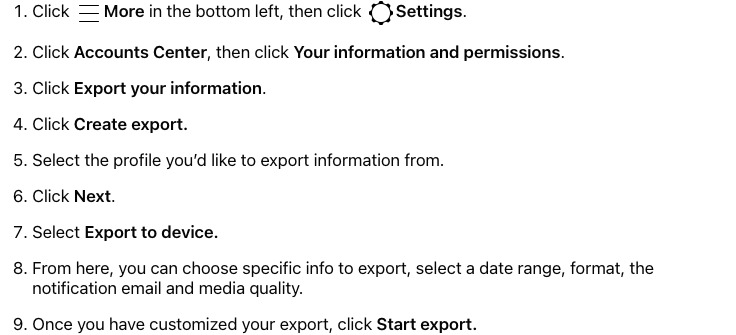
In Instagram on the web, click More in the bottom left, then Settings.
Open the first-party step -
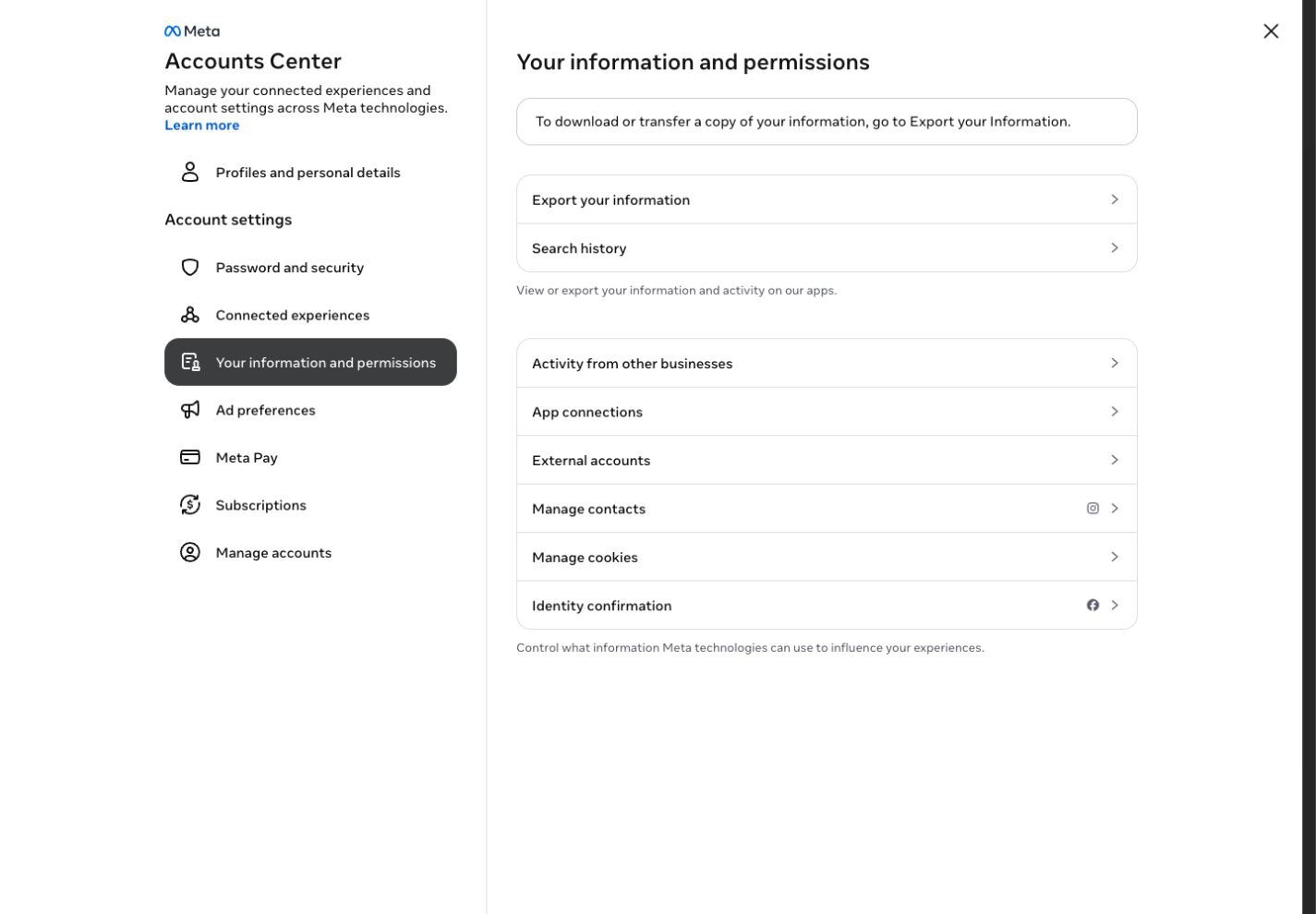
Open Accounts Center → Your information and permissions → Export your information.
Open the first-party step -
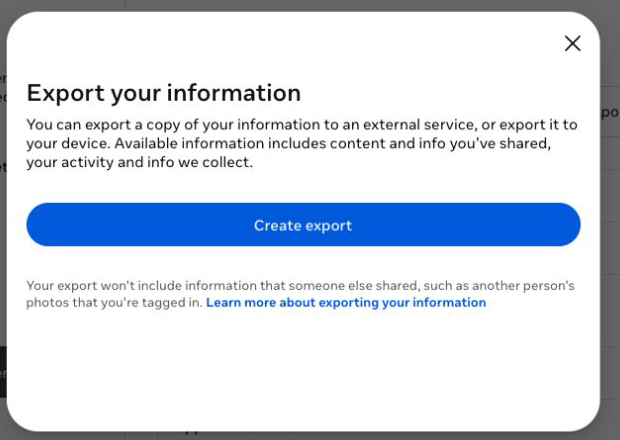
Click Create export, select the Instagram profile, then click Next.
Open the first-party step -
Select Export to device.
Open the first-party step -
Choose the information, date range, format, notification email, and media quality.
Open the first-party step -
Click Start export.
Open the first-party step -
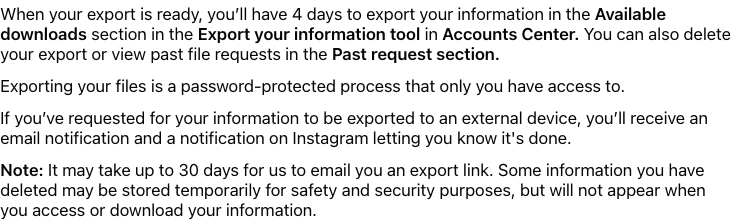
When Instagram notifies you, use Available downloads within 4 days to retrieve the protected export.
Open the first-party step
Reviewed visual references
Match the current first-party screens
What this workflow covers
Useful output and next steps
- Opening Accounts Center from Instagram Settings on the web
- Selecting the Instagram profile and Export to device
- Choosing information, date range, format, email, and media quality before starting
Objections and limits
What this resource does not promise
- Instagram prepares the archive asynchronously and sends a notification.
- The completed protected export is available for four days.
- Download Your Data does not currently analyze Instagram archives.
Repository evidence
Current in-product visual guide route
#guide/instagramThis exact route or input shape is maintained in frontend/application/routing.js.
First-party sources
Verify the provider workflow
Questions before you export
Frequently asked questions
Where do I request an Instagram data export?
On Instagram on the web, open More, Settings, Accounts Center, Your information and permissions, then Export your information.
Can I export only part of my Instagram information?
Yes. The current flow lets you choose the information, date range, format, notification email, and media quality.
How long is the Instagram download available?
The completed export remains under Available downloads for four days.
Continue with the right provider