OpenAI (ChatGPT) resource
How to Export Your ChatGPT Data
A ChatGPT data export is requested from the signed-in product's Data controls. OpenAI prepares a ZIP containing conversation history and other account data, then sends a time-limited download link.
The decision that matters
Choose the right export before you start
The export is asynchronous and the final link is short-lived. Requesting the archive is only the first half of the workflow: you must return while signed in to the same account and save the ZIP before the link expires.
Current workflow
How to complete the current provider export
-
Sign in to ChatGPT.
Open the first-party step -
Open your profile menu, then select Settings.
Open the first-party step -
Select Data controls.
Open the first-party step -
Under Export data, select Export.
Open the first-party step -
On the confirmation screen, select Confirm export.
Open the first-party step -
Wait for OpenAI’s email or SMS; the export can take up to 7 days.
Open the first-party step -
Open Download data export while signed in to the same account. The link expires after 24 hours, so save the ZIP promptly.
Open the first-party step
Reviewed visual references
Match the current first-party screens
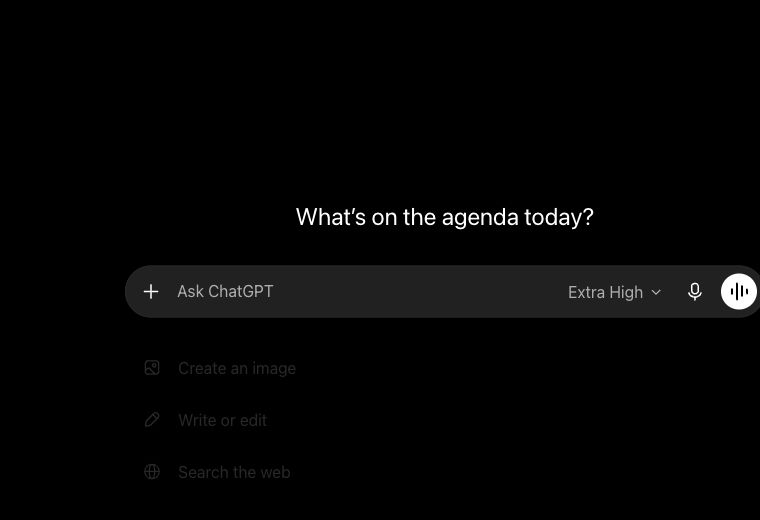
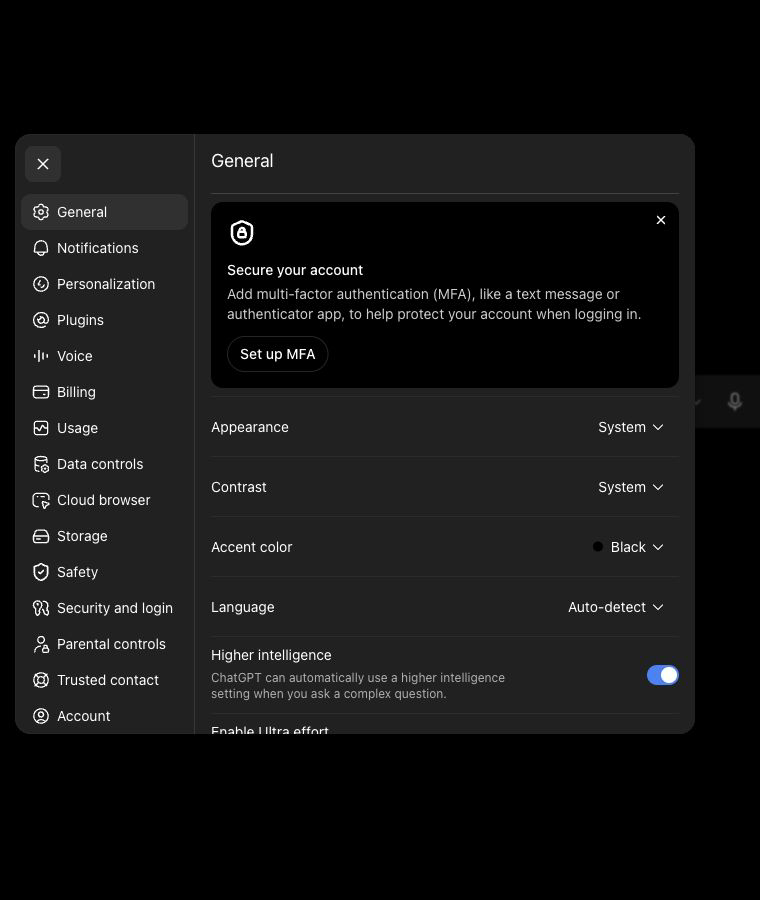
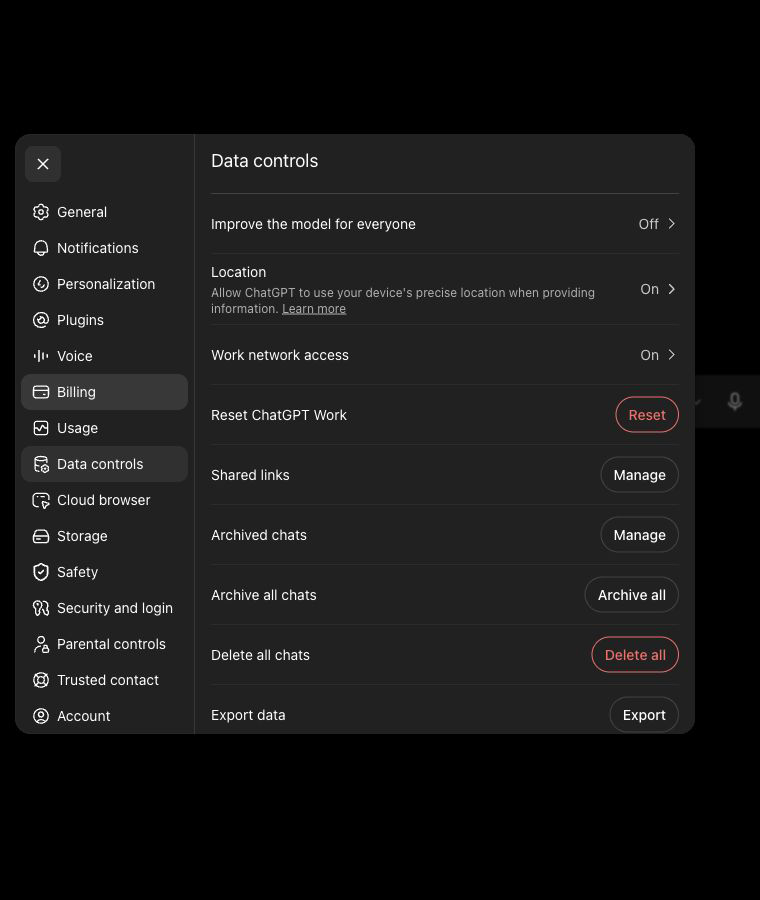
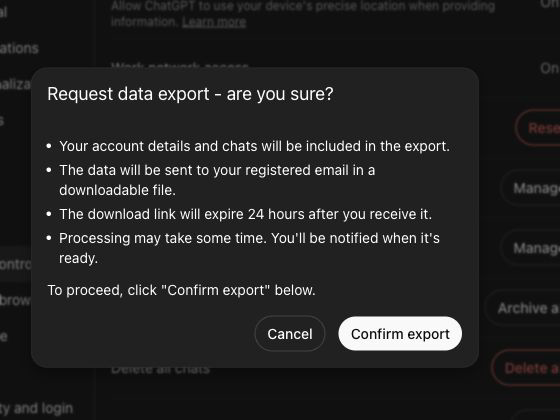
What this workflow covers
Useful output and next steps
- The current Settings to Data controls to Export data path
- The separate confirmation step that starts archive preparation
- The signed-in download step after OpenAI sends the export email or SMS
Objections and limits
What this resource does not promise
- OpenAI says archive preparation can take up to seven days.
- The download link expires after 24 hours.
- Download Your Data does not yet accept the OpenAI ZIP through the browser workspace.
Repository evidence
Current in-product visual guide route
#guide/openaiThis exact route or input shape is maintained in frontend/application/routing.js.
First-party sources
Verify the provider workflow
This guide covers an eligible signed-in ChatGPT account. Browser import into the private workspace is not yet available.
Questions before you export
Frequently asked questions
Where is Export data in ChatGPT?
Open the profile menu, choose Settings, select Data controls, and use Export under Export data.
How long can a ChatGPT data export take?
The current first-party flow says preparation can take up to seven days.
Can I import the ChatGPT ZIP into Download Your Data?
Not through the browser yet. The current public resource covers requesting and saving the export without presenting browser import as available.
Continue with the right provider